
Build Your Own Voice Assistant: Escape Alexa and Google
Build Your Own Voice Assistant: Escape Alexa and Google
"Would you like to try Alexa Plus?"
No.
"Alexa Plus can help you with..."
No.
This happens about 80 times a day now. Amazon turned my Echo from a useful tool into a subscription salesperson. Every weather request, every timer, every simple question gets hijacked by an upsell. I'm done.
So I'm building my own. The code is working, the hardware is on the way, and I wanted to share what I've figured out so far. Turns out it's more approachable than I expected.
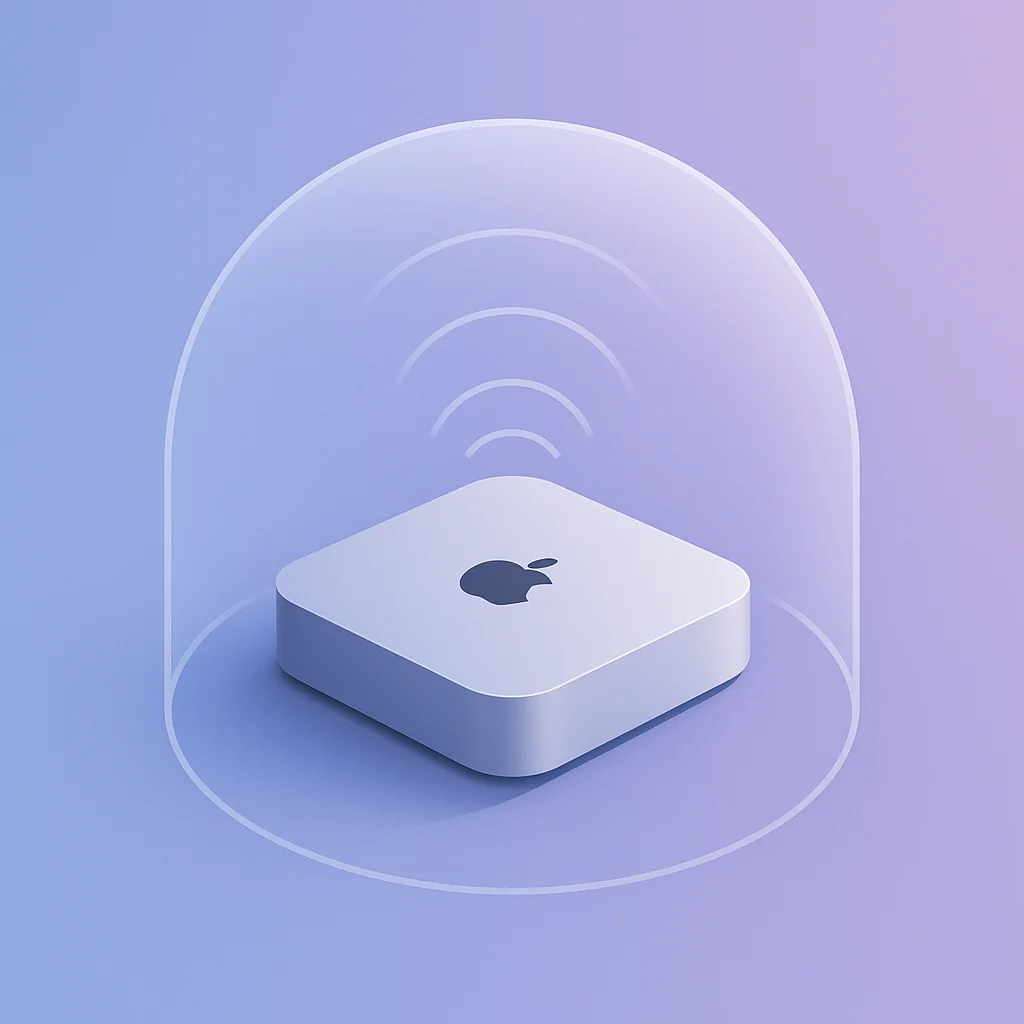
The setup: a Mac Mini that does everything
The target system runs on a Mac Mini that already lives in my office as a development server. It handles my AI coding workflows when I'm working remotely, so I can code from anywhere without worrying about compute power. Tacking voice assistant duties onto a machine that's already running 24/7 just makes sense.
Hardware (incoming):
- Mac Mini M2 (already owned for dev work)
- Omnidirectional USB microphone (picks up voice from anywhere in the room)
- Omnidirectional speaker for responses
Right now I'm testing with temporary mic and speakers plugged into the Mac Mini. The code works. Once the proper omnidirectional hardware arrives, it becomes a permanent fixture. One machine, AI development workflows and home assistant duties.
Architecture: modular by design
The system breaks into four independent components:
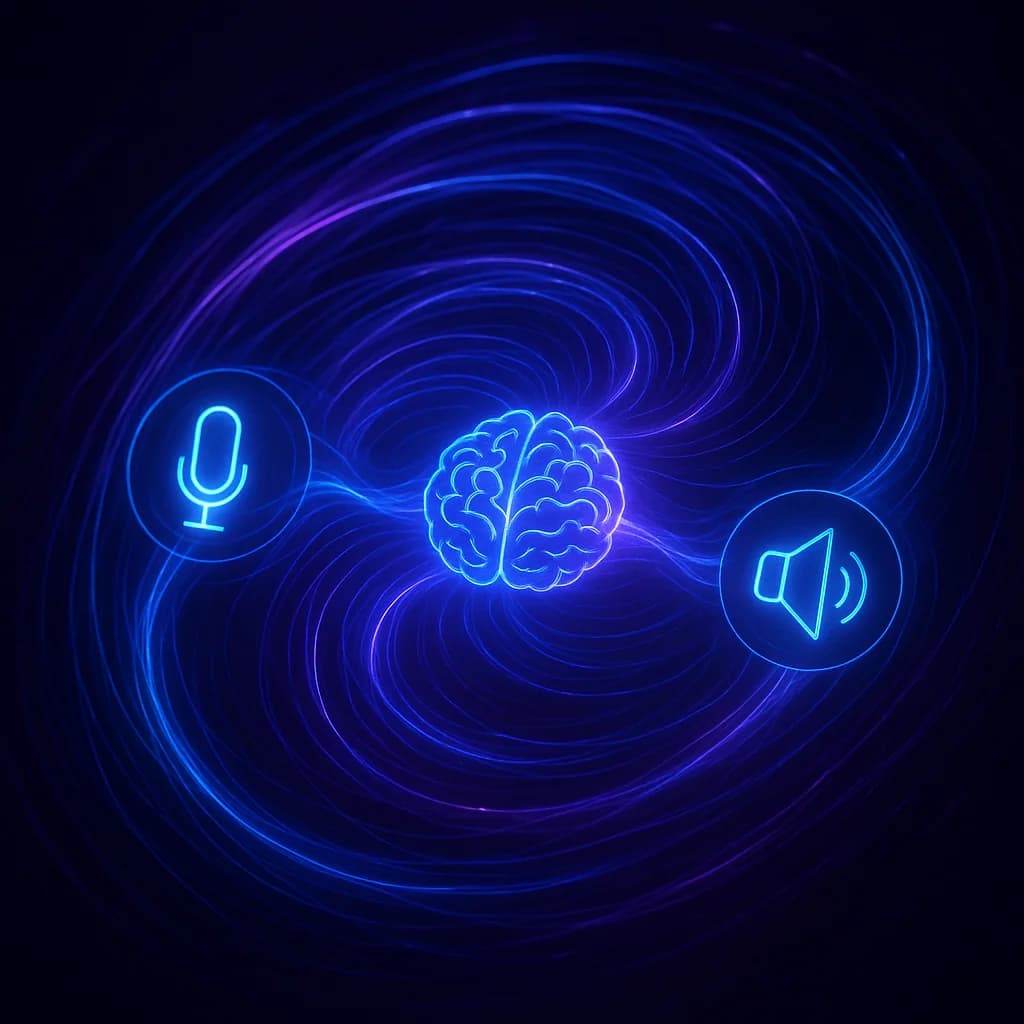
Microphone → Wake Word → Speech-to-Text → LLM + Tools → Text-to-Speech → Speaker
Each piece is swappable. Don't like OpenAI? Use Claude or a local model. Want different wake words? Train your own. Need new capabilities? Add a Python function.
| Component | What It Does | Current Choice | Alternatives |
|---|---|---|---|
| Wake Word | Listens for trigger phrase | openWakeWord | Porcupine, train your own |
| Speech-to-Text | Converts voice to text | OpenAI Whisper | faster-whisper, whisper.cpp, Vosk |
| LLM | Understands and responds | GPT-4o | Claude, Ollama, Llama |
| Text-to-Speech | Speaks the response | OpenAI TTS | Piper (local), ElevenLabs |
Wake word detection: always listening, locally
The wake word detector runs entirely on-device. No audio leaves your machine until you say "Hey Jarvis" (or whatever phrase you pick).
from openwakeword.model import Model

class WakeWordDetector:
    def __init__(self, model_name: str = "hey_jarvis", threshold: float = 0.5):
        self.model = Model(wakeword_models=[model_name])
        self.threshold = threshold

    def detect(self, audio: np.ndarray) -> bool:
        prediction = self.model.predict(audio.flatten())
        return any(score >= self.threshold for score in prediction.values())
Available pre-trained wake words:
hey_jarvis(my current choice)alexa(if you miss the old days)hey_mycrofthey_rhasspy
You can also train a custom wake word. I'm tempted to design a personality for my assistant with a unique name and train a wake word to match.
The key difference from commercial assistants: this runs locally. The audio stream never leaves your machine until wake word detection actually triggers a recording.
Speech-to-text: record until silence
Once the wake word hits, the system records your command until you stop talking. Voice Activity Detection (VAD) handles that automatically:
import webrtcvad

def record_until_silence(stream, vad, silence_duration=0.5):
    """Record until 0.5 seconds of silence."""
    frames = []
    silent_frames = 0

    while True:
        audio = stream.read()
        frames.append(audio)

        if vad.is_speech(audio, SAMPLE_RATE):
            silent_frames = 0
        else:
            silent_frames += 1

        if silent_frames >= max_silent_frames:
            break

    return b"".join(frames)
The recorded audio goes to Whisper for transcription. OpenAI's API is fast and accurate, but there are solid local options if you want zero cloud dependency:
- faster-whisper - GPU-accelerated, fastest local option
- whisper.cpp - Runs on CPU, works everywhere
- Vosk - Lightweight, real-time capable
- DeepSpeech - Mozilla's open source option
For a fully local setup, faster-whisper with the base model gives you excellent accuracy with minimal latency.
The LLM: your brain, your choice
This is where it gets interesting. The LLM handles understanding your request and deciding what to do. Mine uses GPT-4o, but the architecture supports any model with tool calling:
def process_message(client, user_message, model="gpt-4o"):
    messages = [
        {"role": "system", "content": SYSTEM_PROMPT},
        {"role": "user", "content": user_message},
    ]

    while True:
        response = client.chat.completions.create(
            model=model,
            messages=messages,
            tools=TOOLS,  # Registered capabilities
        )

        if not response.choices[0].message.tool_calls:
            return response.choices[0].message.content

        # Execute tools and continue conversation
        for tool_call in response.choices[0].message.tool_calls:
            result = execute_tool(tool_call.function.name,
                                  tool_call.function.arguments)
            messages.append({"role": "tool", "content": result})
Swap models easily:
# Use Claude instead
from anthropic import Anthropic
client = Anthropic()

# Use Ollama locally
client = OpenAI(base_url="http://localhost:11434/v1")
The system prompt tells the LLM it's a voice assistant, so responses stay short and conversational instead of verbose and markdown-heavy.
Tools: the magic of Pydantic
This is the elegant part. Each capability is defined as a Pydantic model:
from pydantic import BaseModel, Field

class GetWeather(BaseModel):
    """Get the current weather for a location."""

    location: str | None = Field(
        default=None,
        description="City name (optional, defaults to current location)"
    )

def get_weather(params: GetWeather) -> str:
    # Call weather API...
    return f"It's currently {temp}°F in {location} with {condition}."
That single class definition gives you:
- An LLM function schema, so the model knows how to call it
- A CLI interface, so you can test with
uv run weather "Tokyo" - Validation through type checking and constraints
- Documentation, since the docstring becomes the function description
Adding a new capability is just writing a model and handler:
class ControlLight(BaseModel):
    """Turn a smart light on or off."""

    room: str = Field(description="Room name")
    state: bool = Field(description="True for on, False for off")
    brightness: int | None = Field(default=None, ge=0, le=100)

def control_light(params: ControlLight) -> str:
    # Call Home Assistant, Hue, or whatever
    return f"Turned {params.room} light {'on' if params.state else 'off'}"
Built-in tools include:
- Weather (Open-Meteo, free)
- News headlines (BBC API)
- Web search (Perplexity)
- Spotify control (play, pause, skip, volume)
- System volume (macOS AppleScript)
- Conversation history lookup
Text-to-speech: the response
Finally, the assistant speaks. OpenAI's TTS is fast and natural:
def speak(client, text, voice="alloy"):
    response = client.audio.speech.create(
        model="tts-1",
        voice=voice,
        input=text,
        response_format="pcm",
    )
    play_audio(response.content)
Voice options: alloy, echo, fable, onyx, nova, shimmer
For fully local operation, Piper TTS sounds great and runs on CPU with minimal latency.
My aspiration: design a custom personality for my assistant and clone a unique voice with ElevenLabs. Pair that with a custom wake word and you get a truly personal assistant instead of a generic one.
Running it
# Install
uv sync

# Download wake word models
uv run python -c "from openwakeword import utils; utils.download_models()"

# Configure
echo "OPENAI_API_KEY=your-key" > .env

# Run
uv run assistant
The assistant starts listening for "Hey Jarvis." Speak a command, and it responds through your speakers.
# Alternative modes
uv run assistant --repl          # Text mode (no audio)
uv run assistant "weather Tokyo" # One-shot query
Going fully local
Want zero cloud dependency? Every component has a local alternative:
| Component | Cloud | Local Alternative |
|---|---|---|
| Wake Word | - | openWakeWord (already local) |
| STT | Whisper API | faster-whisper, whisper.cpp, Vosk |
| LLM | GPT-4o | Ollama + Llama 3.2 |
| TTS | OpenAI TTS | Piper |
With faster-whisper for transcription, Ollama running Llama 3.2 for the brain, and Piper for speech, everything stays on your machine. Responses are slightly slower, but privacy is absolute. No data leaves your network.
Why this beats commercial assistants
| Alexa/Google | DIY Assistant | |
|---|---|---|
| Wake word runs locally | Claimed | Verified |
| Audio sent to cloud | Always | Only after wake word |
| Choose your LLM | No | Yes |
| Add custom tools | Complex skills | Python function |
| Runs offline | Limited | Full (with local stack) |
| Data collection | Extensive | None |
| Cost | Device + privacy | API costs (~$0.01/query) |
The Mac Mini setup has another benefit: it's already my remote development server. When I'm coding from my laptop at a coffee shop, I SSH into it for heavy AI workloads. The voice assistant becomes just another daemon running in the background.
What I'm testing
Working well:
- "Hey Jarvis, what's the weather?"
- "Hey Jarvis, play some jazz" (Spotify control)
- "Hey Jarvis, what's in the news?"
- "Hey Jarvis, search for Python 3.13 release notes"
- "Hey Jarvis, set volume to 40"
- "Hey Jarvis, what did I ask you about yesterday?" (history lookup)
On the roadmap:
- Home Assistant integration for lights and thermostat
- Calendar queries
- Timer and reminder management
- Omnidirectional mic and speaker hardware
- Custom wake word and personality
- Custom voice via ElevenLabs
The privacy difference
Commercial assistants optimize for data collection. Their business model depends on knowing everything about you. That's why they're "free" (after you buy the device). And now Amazon wants $20/month for Alexa Plus on top of that.
This system optimizes for functionality. It only processes what you explicitly ask, only when you trigger it, and you control where the data goes.
No subscription nagging. No upsells. Just a voice assistant that does what you ask.
Getting started
If you want to build your own, here are the key libraries:
Core dependencies:
- openWakeWord - Local wake word detection
- sounddevice - Audio capture
- webrtcvad - Voice activity detection
- openai - Whisper, GPT, and TTS APIs
- pydantic - Tool definitions
For fully local:
- faster-whisper - Local transcription
- ollama - Local LLMs
- piper - Local TTS
The architecture is straightforward. Wake word detection loops until triggered, then record until silence, transcribe, send to LLM with tools, speak the response. Each piece is independent and swappable.
The Pydantic tool pattern is the standout feature. Once it clicks, adding any capability becomes trivial. Weather, lights, music, calendars, home automation, all just a model and a handler function.
I'll share more as the hardware arrives and the system matures. For now, the core is solid and the Alexa can stay unplugged.
No more subscription pitches. Just answers.

Matthew Fontana
Staff Engineer at Airbnb · ex-Spotify, ex-UPS · 13 yrs in enterprise software
I build agentic developer platforms inside large engineering orgs and write here about the work.